Workflow automation has been a business buzzword for years. But in 2026, something has shifted. The companies seeing real results aren't the ones that automated a single task — they're the ones that automated the entire operational flow.
This post covers what's actually working for operations teams right now, which automation strategies deliver the strongest ROI, and how to tell the difference between automation that helps and automation that just adds complexity.
The Automation Gap Most Businesses Are Living In
Most businesses have some automation in place. An auto-reply on email. A form that creates a ticket. A reminder that fires before a deadline.
But these are point automations — isolated tools solving isolated problems. The team is still manually connecting the dots between systems, still chasing context, still compiling reports.
The gap that matters in 2026 is not between businesses with automation and without. It's between businesses running isolated automations and businesses running connected, end-to-end operational workflows where AI makes decisions across the entire chain.
That second category is where the real efficiency gains are hiding.
The 5 Workflow Automations Delivering the Highest ROI in 2026
Based on operational data from businesses using custom workflow systems, these five automations consistently deliver the strongest return:
1. Intelligent request routing
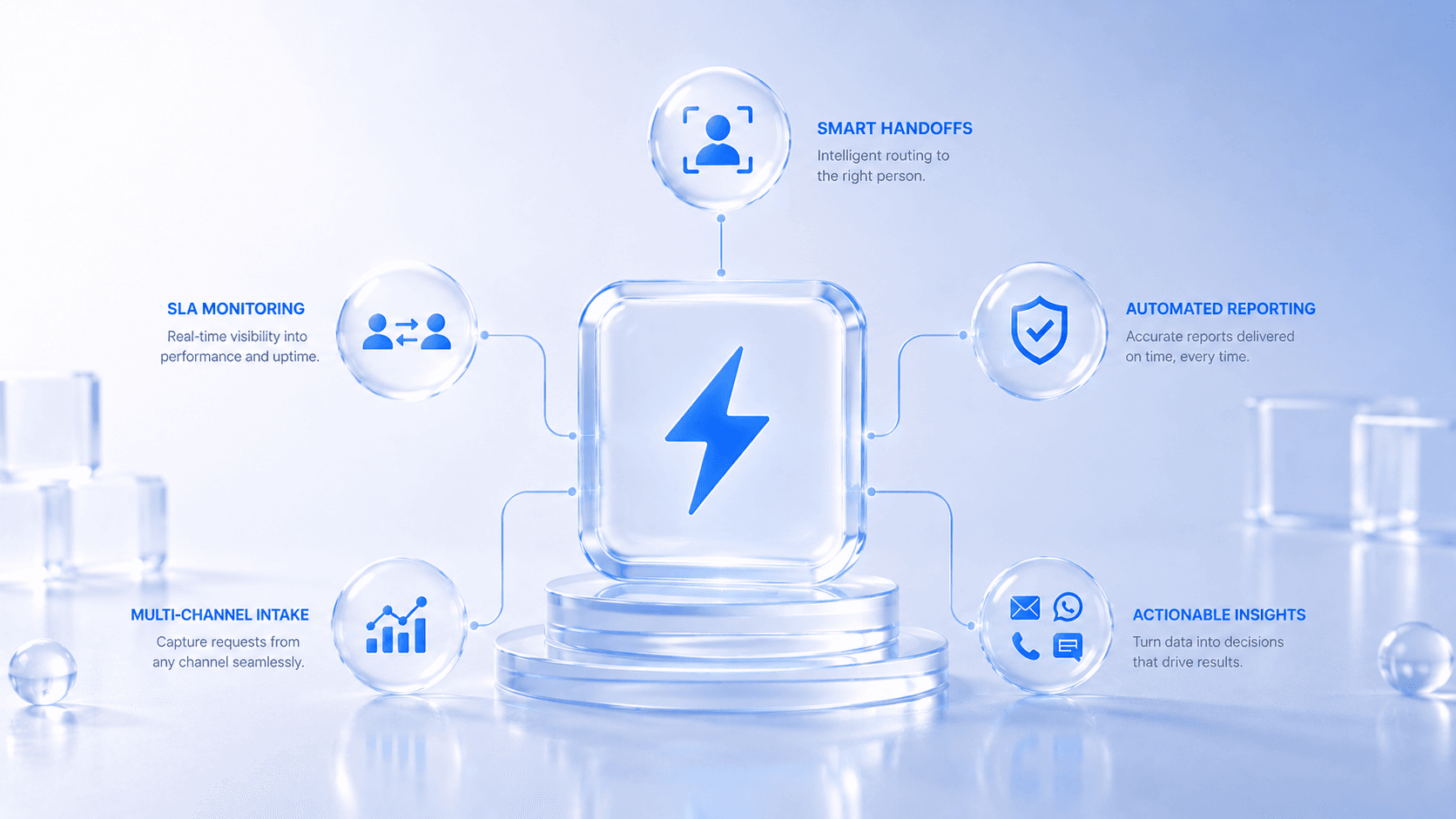
Instead of a manager manually sorting and assigning incoming work, AI routes each request to the right person based on role, team capacity, and request type. This alone eliminates 1–2 hours of manual sorting per manager per day.
2. SLA automation and escalation
Instead of manually checking whether requests are on track, the system monitors SLA timers automatically and escalates when breach risk is detected — before the client notices.
3. AI-generated handoff summaries
Instead of team members spending 10 minutes reading through ticket history at shift changeover, the system generates a plain-language summary automatically. Handoffs drop to under 30 seconds.
4. Automated operational reporting
Instead of someone compiling a weekly status report every Friday, the system generates it automatically — accurate, formatted, and ready to share.
5. Multi-channel intake consolidation
Instead of requests arriving across email, WhatsApp, phone, and forms with no central record, everything flows into one system automatically. Nothing gets lost between channels.
Why Most Automation Projects Fail
There are two main reasons automation projects don't deliver expected results.
First: automating bad processes. If the underlying workflow is broken—clear ownership, missing information, no SLA definition—automating it makes it faster and more consistently broken. Automation should follow workflow design, not replace it.
Second: automating in isolation. A ticketing system that doesn't connect to your reporting tool, an assignment automation that doesn't account for team workload, and a reminder system that doesn't escalate to the right person—these create new coordination problems while solving old ones.
Effective workflow automation in 2026 means designing the full operational flow first, then automating across it as one connected system.
Custom vs. Off-the-Shelf: Which Is Right for Your Operations?
Off-the-shelf tools work well when your operations are standard. If your workflow matches what the tool was built for, it can be fast and cost-effective.
But most growing businesses have operational nuances that generic tools don't accommodate. Custom approval hierarchies. Multi-region team structures. Specific SLA definitions by request type. Integration requirements with existing tools.
When off-the-shelf tools can't fit those nuances, teams end up working around the system—defeating the purpose of having one.
A custom operational system is built around your workflow, not adapted from a template. That distinction is the difference between a system your team adopts and one they quietly ignore.
The Metrics That Tell You Your Automation Is Working
Once an operational system is live, these are the numbers worth tracking:
Manual coordination hours per week (target: 60-80% reduction)
Average request response time (target: cut by at least half)
SLA compliance rate (target: 95%+ consistently)
Manager time spent on status updates (target: near zero)
Time to compile weekly ops report (target: zero—it should be automatic)
If your automation is working, these numbers move. If they don't, the system isn't designed around your real workflow.